NVIDIA Retires Legacy Control Panel, Completes Full Transition to NVIDIA App
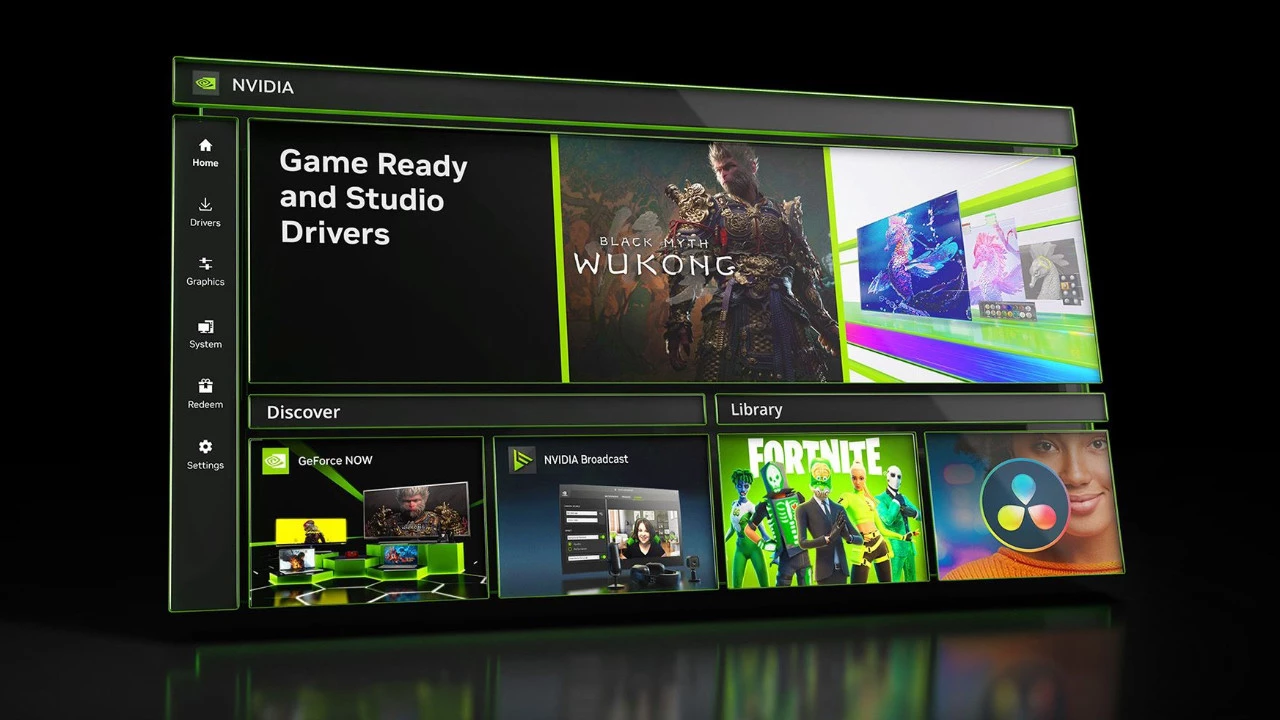
In a significant move that marks the end of an era for PC gaming and graphics enthusiasts, NVIDIA has officially discontinued its legacy Control Panel application, completing the company’s transition to the modern NVIDIA App. The change comes with the release of a new graphics driver that made headlines not only for this shift but also for its unusual version numbering — jumping directly to version 610.47, a substantial leap from previous iterations that signals a new chapter in NVIDIA’s software ecosystem.
The Legacy of NVIDIA Control Panel
The NVIDIA Control Panel has served as a cornerstone of graphics configuration on Windows systems for more than twenty years, functioning as the main interface where users could modify display settings, control 3D rendering parameters, and set up multi-monitor configurations. For countless experienced PC users, the Control Panel’s characteristic green-themed interface became inseparable from NVIDIA graphics cards themselves. Nevertheless, the application’s outdated architecture and increasingly antiquated user interface had become evident in recent years, leading NVIDIA to create a more contemporary successor.
Introducing the Unified NVIDIA App
The NVIDIA App, which has undergone development and beta testing for roughly two years, embodies a total reinvention of how users engage with their graphics hardware. In contrast to the segmented structure of the previous system — which kept the Control Panel, GeForce Experience, and various other tools separate — the NVIDIA App brings all features together into one cohesive, simplified interface. This encompasses driver management, game optimization, screen recording and streaming features, and the sophisticated display and 3D settings that advanced users have grown to depend on. The consolidated approach reflects similar strategies that AMD has implemented with its Adrenalin software suite.
Community Concerns and Privacy Considerations
The transition hasn’t been without controversy among the NVIDIA community. Some users have expressed concerns about the NVIDIA App’s requirement for account creation to access certain features, a practice that wasn’t mandatory with the standalone Control Panel. Privacy-conscious users have also raised questions about telemetry and data collection, though NVIDIA has stated that core functionality remains accessible without logging in. Performance enthusiasts have noted that the new app consumes slightly more system resources than its predecessor, though the difference is negligible on modern hardware.
Technical Changes and Driver Versioning
From a technical standpoint, the dramatic jump to driver version 610.47 suggests NVIDIA is implementing a new versioning scheme that may align with internal development milestones or product generation cycles. This practice of version number inflation is common in the software industry when companies want to signal major architectural changes or differentiate significantly updated products from their predecessors. The new driver maintains full support for NVIDIA’s current GPU lineup, including the RTX 40-series cards based on the Ada Lovelace architecture, as well as continued support for older generations dating back to the GTX 900 series.
New Features and Improvements
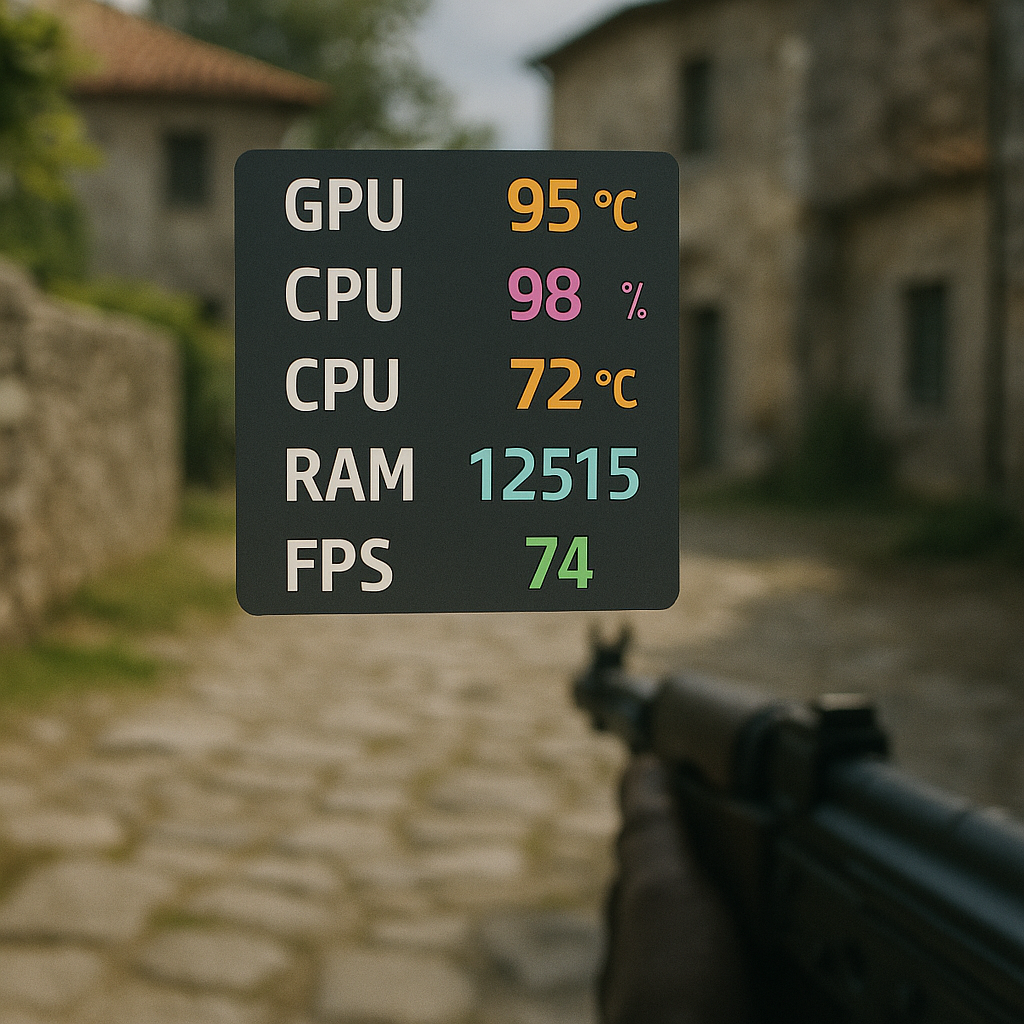
The NVIDIA App brings several notable improvements beyond mere consolidation. The interface features a cleaner, more intuitive design language that follows modern UI conventions. Game-specific optimization profiles have been expanded and refined, with NVIDIA claiming improved automatic settings detection for hundreds of titles. The built-in performance monitoring overlay, accessible via keyboard shortcut during gameplay, now provides more detailed metrics including frame time graphs, VRAM usage, and GPU temperature monitoring. Additionally, the app integrates more seamlessly with NVIDIA’s AI-powered features, including DLSS frame generation and the recently introduced NVIDIA ACE technology for enhanced NPC interactions in supported games.
Strategic Implications and Industry Outlook
Industry analysts view this transition as part of NVIDIA’s broader strategy to create a more cohesive software ecosystem that complements its dominant hardware position. With the company commanding approximately 80% of the discrete desktop GPU market, according to recent Steam hardware surveys, software experience has become an increasingly important differentiator. The move also positions NVIDIA to better integrate future technologies, potentially including cloud gaming features and enhanced AI capabilities that the company has been pioneering across its product lines. As users adapt to the new NVIDIA App, the retirement of the Control Panel represents not just a software update, but the closing of a significant chapter in PC graphics history.